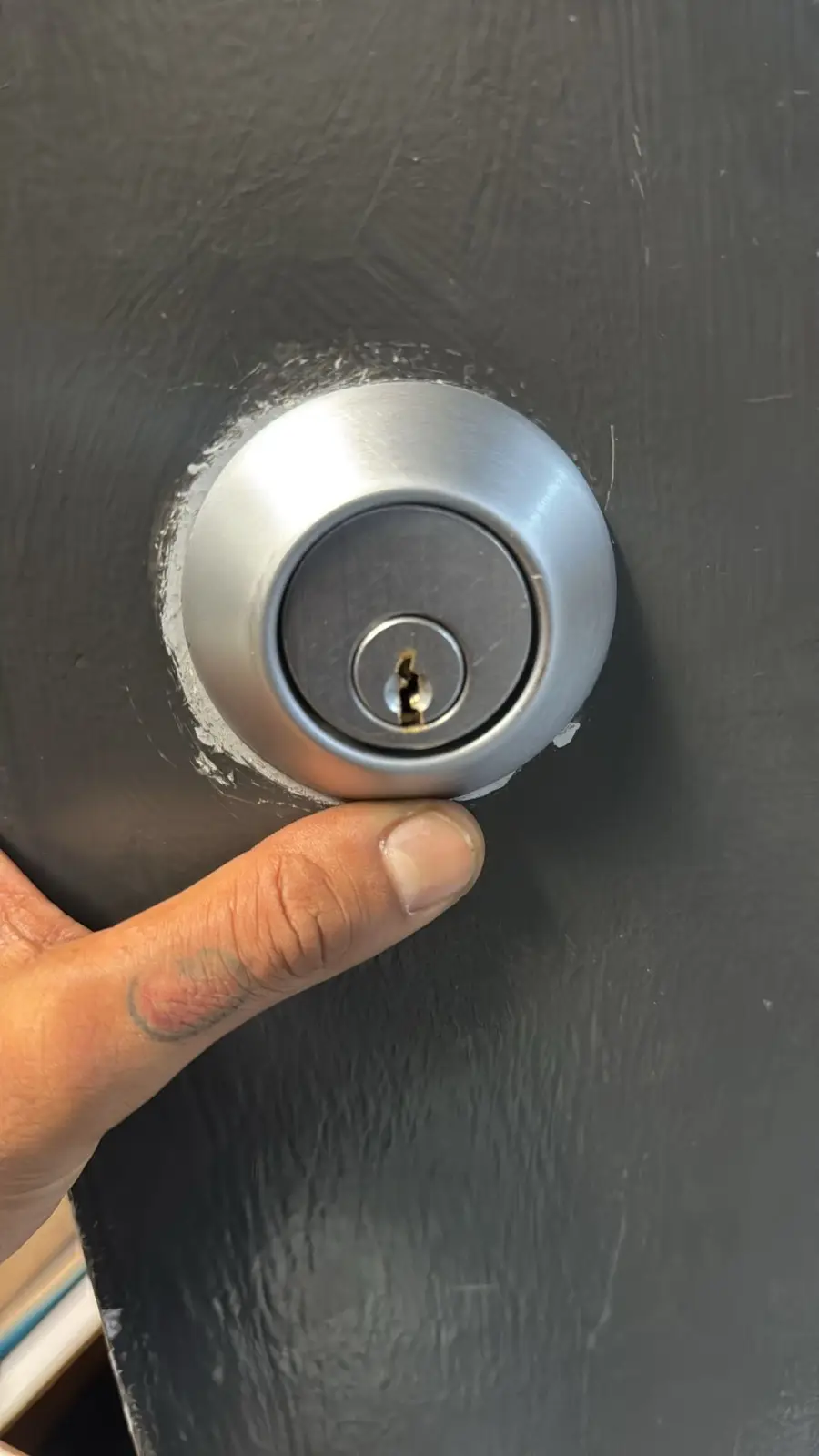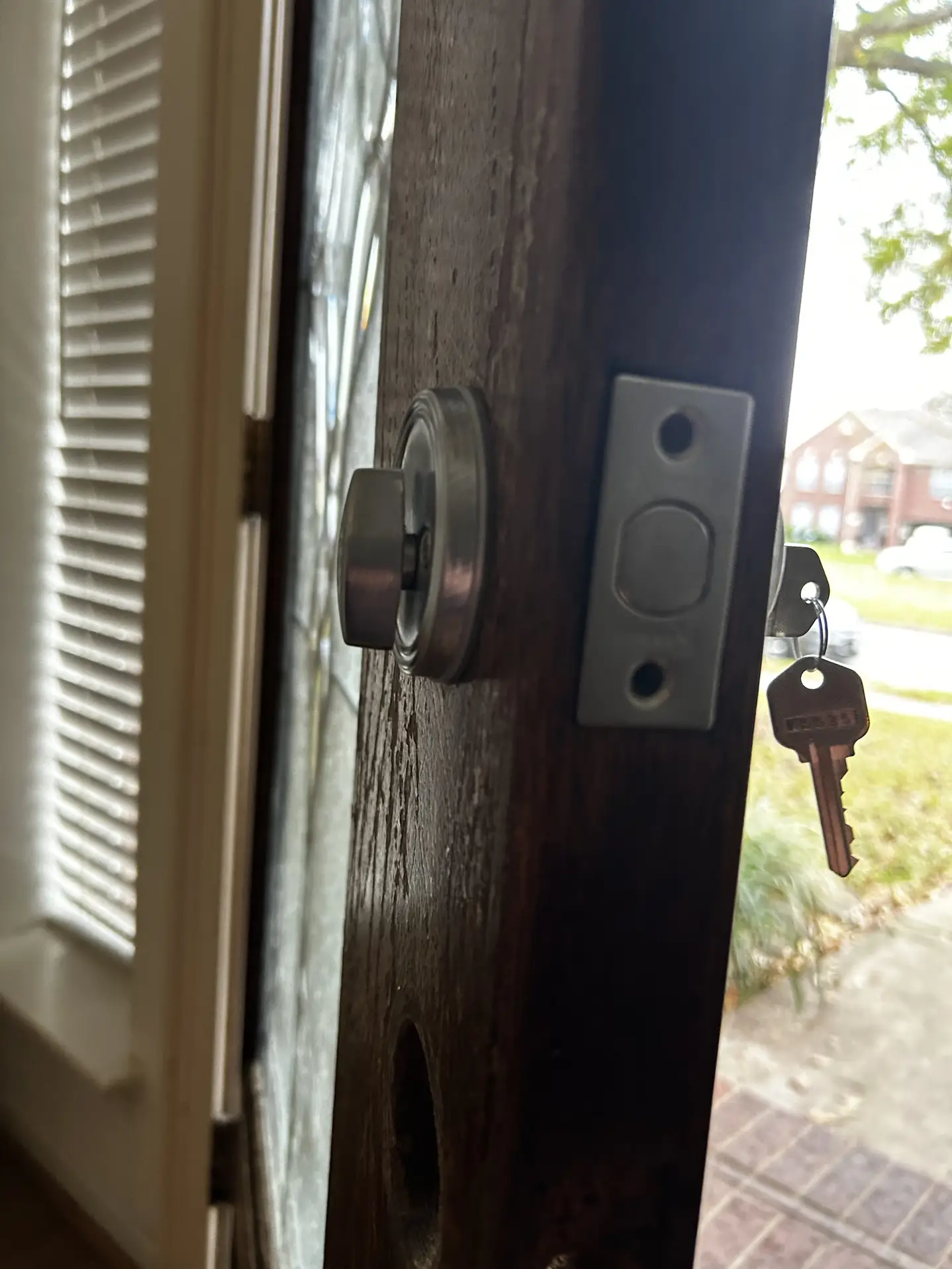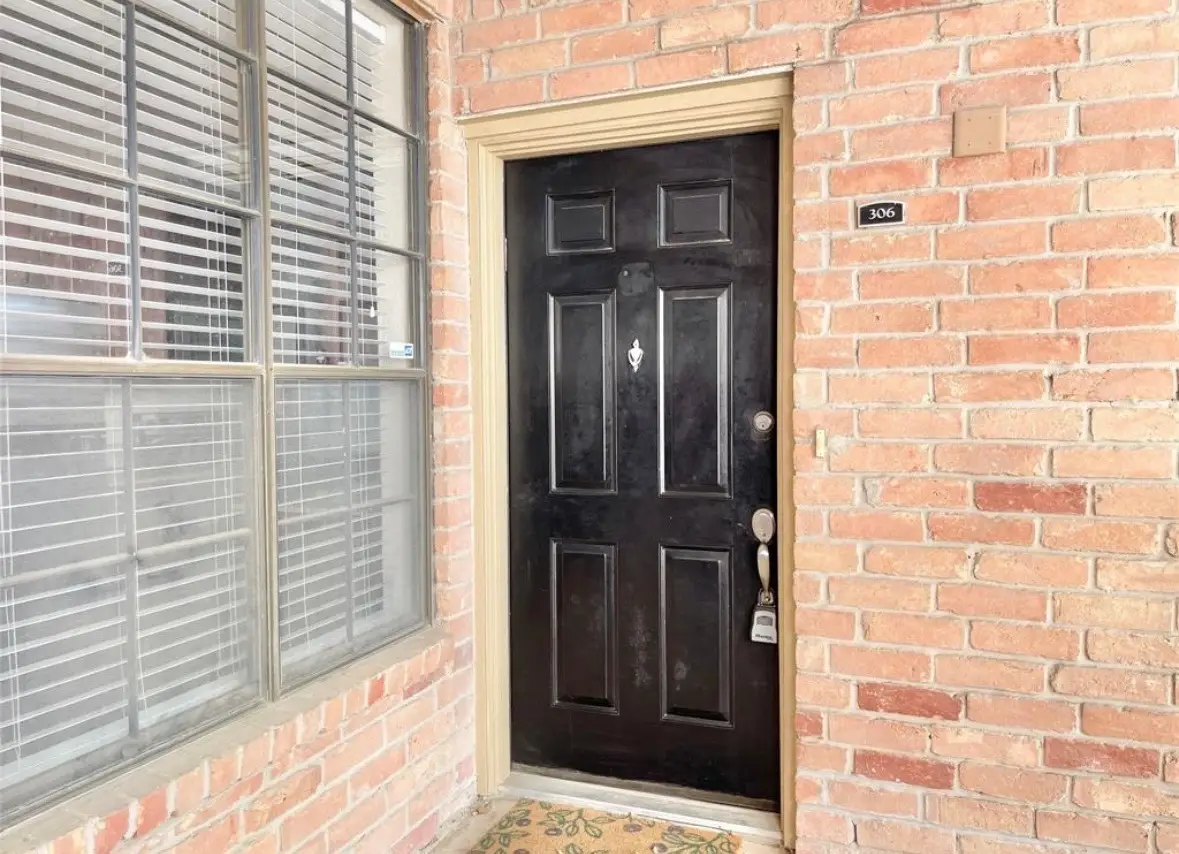
Keypad vs card vs mobile credentials for team sizes in Houston
Small teams do best with a keypad. Growing teams run smoother with key cards. Shift crews move fast with mobile or cards. Plan for backups, audit logs, visitor flow, and simple training. Pick what fits now, keep an eye on what you might need next. That is the short answer. Now let’s make it real, Houston style.

Keypad vs card vs mobile credentials at a glance
- Keypad: People type a PIN on a pad by the door. Easy to set up, cheap to run, no plastic to lose. Risk is code sharing and worn keys.
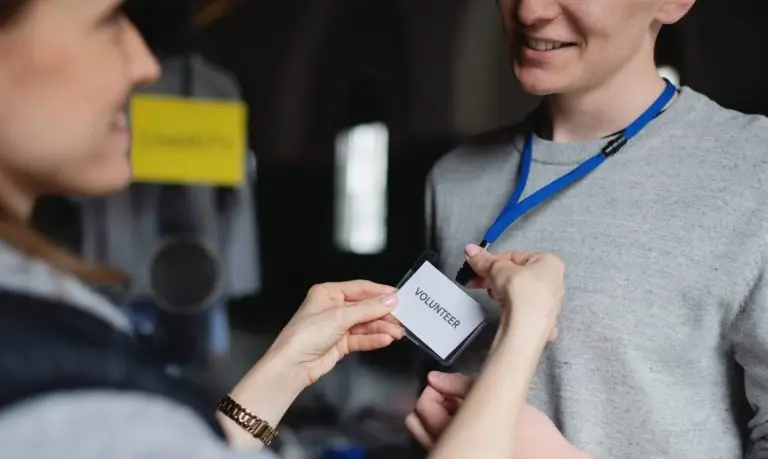
- Card or fob: Each person carries a card or fob. Simple to add or remove users. Risk is lost cards and a stack of reprints over time.
- Mobile: Phone opens the door with an app, tap, or Bluetooth. Great logs and fast changes. Risk is dead phone or spotty Wi-Fi if your system needs the cloud.
Quick story from Westheimer
A shop manager near Westheimer said, I am tired of lost keys. We moved to a keypad. Week one was smooth. Week two, someone shared the code with a buddy. We switched to cards. Lost cards went up. Now we use mobile for managers and cards for part-timers. The mix hit the sweet spot.
Why team size matters
- Small team, under 10 people: You need simple, low hassle, and low training time. A keypad is often enough.
- Growing team, 10 to 50: People come and go. Turnover kicks in. Cards or mobile make adds and removals fast and clean.
- Shift-based, rotating crews: You need fast changes and time windows. Mobile or cards with schedules keep you sane.
Houston proof points
- Energy Corridor offices like quick onboarding for contractors. Card or mobile keeps logs tidy.
- Midtown and Montrose shops love keypads for fast start ups, then swap to mobile or cards once staff grows.
- What we usually see in Houston, TX is simple. Small shops start with a keypad. Warehouses near Beltway 8 pick cards for drivers and mobile for leads. Office suites along I-10 lean mobile first.
Pros and cons by credential type
Keypad
Pros
- No badge to print or lose
- Easy for guests with a short-term code
- Cheap to maintain once installed
- Works even if a phone battery dies
Cons
- People share codes
- Worn buttons give away common digits
- Fewer details in audit logs on older models
- Code changes take time if you do it by hand
Best fit by team size
- Small team: Great
- Growing team: Use with user codes and per-person PINs
- Shift crews: Use with schedules, but plan clear code rules
Key cards or fobs
Pros
- Each person gets a unique ID
- Easy to disable a lost card
- Good audit logs
- Works with turnstiles and gates
Cons
- Cards get lost, stolen, or loaned
- Cards can crack or demagnetize in Houston heat
- You will print and track a lot of plastic over time
- Readers at loading bays need weather shields
Best fit by team size
- Small team: Works, but might feel heavy
- Growing team: Sweet spot
- Shift crews: Strong fit with time windows
Mobile credentials
Pros
- Phones stay with people, fewer losses
- Fast add and remove, even remote
- Strong logs and alerts
- Often supports two-factor, like phone plus PIN
Cons
- Dead phone, dead entry
- Not all areas have good signal if the system needs cloud calls
- Staff need the app and updates
- Shared devices for temps can be tricky
Best fit by team size
- Small team: Good if everyone has a smartphone
- Growing team: Great for speed
- Shift crews: Great for fast turnover and temp staff
Houston heat, humidity, and storms
- Heat: Card plastic warps in glove boxes. Mobile phones throttle in direct sun. Keypad rubber can crack and fade.
- Humidity: Metal keypads may corrode if cheap or unsealed. Pick weather-rated units for exterior gates.
- Rain: Door readers need a drip edge. Water and card slots do not mix. Use sealed readers.
- Power loss: Pick systems with a battery backup. Storms roll in quick along the Gulf.
Which to pick by team size and work style
Small team, under 10
- Pick: Keypad with per-person PINs. Keep a spare master code for owners only.
- Add later: A simple card reader at busy doors.
- Why: Easy training. No badges to manage. Quick code change when someone leaves.
- Houston tip: Shops near outdoor patios in Montrose should use a weather-rated keypad for side doors.
Growing team, 10 to 50
- Pick: Card or mobile, or a mix. Cards for general staff, mobile for managers.
- Add later: Visitor management with QR passes. Audit alerts for after-hours opens.
- Why: Simple add and remove. Cleaner logs. Good for turnover during peak seasons.
- Houston tip: Warehouses by Beltway 8 need long-range readers for gate arms and truck lanes.
Shift-based teams, rotating or 24-7
- Pick: Mobile or cards with time rules. Keypad as backup.
- Add later: Zones, like server room reads or tool cage reads. Fast temp passes for vendors.
- Why: Schedules lock the door to the right people at the right time. Fewer late-night surprises.
- Houston tip: If your break room door sweats in summer, keep the reader covered. Moisture plays tricks with sensors.
What to plan for later
- Growth: Can you add 50 more users without a full swap
- Logs: Do you get who, when, and where in one screen
- Integrations: Does it work with your alarm, cameras, and HR list
- Backups: Battery, offline mode, and a physical key override for fire and life safety
- Guest flow: QR or PIN for delivery and repair crews
- Hardware spares: Keep extra cards, a spare reader, and a keypad faceplate on hand
Security basics that matter
- Unique IDs: Each person gets their own card, phone pass, or PIN. No sharing. No sticky notes.
- Two factors for high-risk rooms: Phone plus PIN, or card plus PIN.
- Quick offboarding: Remove access the same day a staff member leaves.
- Doors and strikes: The strongest reader is weak if the latch or hinge is tired.
Setup tips for Houston buildings
- Exterior doors need weather-rated readers. Sun on a south-facing wall beats up plastics fast.
- Parking gates near I-10 need impact guards. Forklifts and readers do not get along.
- Glass storefronts on Westheimer look clean with slim readers. Mount them inside the jamb when you can.
- Older midtown buildings may need new power runs. Check your power draw before pick up day.
Training that sticks
- Keep it short. Five minutes at the door.
- Show, then do. Let each person open the door once.
- Explain the why. No sharing keeps everyone safe.
- Post a small sign near the reader with support steps and a number to call.
Troubleshooting steps that save the day
- If the keypad flashes red, then check caps lock or wrong PIN. Try again slowly.
- If the card beeps twice and stays locked, then the card may be expired. Call admin.
- If the phone pass will not trigger, then toggle Bluetooth and reopen the app.
- If the reader seems dead, then check power, battery, or breaker in the closet.
- If doors stick, then check door alignment, weather strip, and hinge screws.
- If only one door fails, then swap reader or cable to test.
- If many doors fail, then your controller or network may be down. Use backup keys.
Common myths and facts
- Myth: Keypads are always weak. Fact: With unique PINs and alerts, they hold up well for small teams.
- Myth: Cards always get cloned. Fact: Modern encrypted cards are strong when set up right.
- Myth: Phones always fail. Fact: Phones fail if dead, but backup PINs and battery packs cover that gap.
- Myth: More tech means more mess. Fact: A clear plan and simple rules make tech easier than old keys.
Care schedule for busy doors
- Weekly: Wipe readers with a soft cloth. Check for loose screws. Test a code, a card, and a phone pass.
- Monthly: Review logs. Remove people who left. Swap any cracked cards. Check door close speed.
- Yearly: Battery check on controllers. Firmware updates after a full backup. Inspect weather seals and door strikes.
Real use cases by team size
Auto shop with 6 techs
- Picked a keypad. Each tech got a unique PIN. Owner gets alerts for after-hours opens. Once a new night shift starts, they plan to add cards.
Warehouse with 30 staff near Beltway 8
- Picked cards for drivers and temp workers. Leads use mobile. Gate reader has a hood to block rain. Offboarding is faster now.
Co-working loft in Midtown
- Picked mobile for members, PINs for day passes, and a card option for folks without a smartphone. Logs help with billing and meeting room disputes.
Risk notes without scare talk
- Keep backup keys for life safety. Fire and EMS may need them.
- Do not store master codes on sticky notes. Use a locked app or a safe.
- Replace bent strikes and loose hinges. A weak door makes access control useless.
How to mix and match without a fuss
- Use a keypad on low-risk interior doors, like a supply room.
- Use cards on main doors where staff turnover is high.
- Use mobile for managers, vendors, and after-hours access.
- Set time windows for shifts. Lock out old passes at the end of a season.
- Keep a small stash of visitor cards for folks without phones.
What to watch with vendors and temps
- Give short-term cards that auto-expire.
- For mobile, use passes that end at midnight.
- Make a checklist for return of badges. Tie it to payroll offboarding.
- For delivery drivers, keep a gate PIN that changes every month.
Audit logs that matter
- Who opened the door
- Which method got used, code, card, or phone
- Time and door name
- Failed tries, so you can coach or fix an issue
Future proof ideas
- Readers that speak more than one language, card, mobile, and PIN
- Cloud portals with offline mode, so doors still open if the internet blips
- Simple API links to HR lists, so people get added on day one
- A second controller, so one box does not stop all doors
A short chat on code sharing
We asked a store lead, Why did the code get out She said, We had a rush, and a friend needed stock. I told him the code, then forgot to change it. Life happens. The fix was easy. Use per-person codes. Post a rule. Change shared codes fast.
Budget talk without numbers
- Keypads cost less to get running, but need code control.
- Cards need a printer or a service, and a steady batch of blanks.
- Mobile may carry a software fee, yet saves time on adds and removals.
- Mix gear for the best value. Do not push every door to mobile if a keypad works fine.
Signs your team should upgrade
- You change codes every week and still guess who walked in
- You keep a drawer of lost cards
- You need time windows for shifts and vendors
- You manage two places, and driving just to add a user is a time sink
What we hear from Houston crews
- Summer heat cooks badges left on dashboards. Store them inside.
- Humid days cause door swell. Recalibrate closers in June.
- Storm season asks for backup power. Test it in spring.
FAQs
Q: Which is best for a small team in Houston
A: A keypad with per-person PINs is simple and strong. Add cards or mobile later if your team grows.
Q: We run shifts at a plant near I-10. What fits us
A: Cards or mobile with time rules fit shift work. Keep a keypad as a backup at the guard door.
Q: Are mobile passes safe
A: Yes when set with app lock, phone lock, and per-person access. Add a PIN for high-risk rooms.
Q: What if the internet drops during a storm
A: Pick a system that works offline and has a battery backup. Doors should follow the last known rules.
Q: Do cards fail in heat and humidity
A: Cards can warp or demagnetize when left on car dashboards. Store them inside. Use sturdy card stock.
Q: How fast can we remove someone who leaves
A: With cards or mobile, removal is near instant. With keypads, change that person’s code right away.
Q: Can I mix keypad, card, and mobile on the same doors
A: Yes, many readers handle more than one method. This lets you pick what fits each role.
Q: What maintenance do I need
A: Wipe readers weekly, check logs monthly, and test batteries yearly. Fix loose hinges and door seals early.
The bottom line for team size
- Small crew: Keypad first, unique PINs, simple rules
- Growing crew: Cards or mobile for fast adds and removals
- Shift crew: Mobile or cards with time windows, keypad backup
- Houston add-ons: Weather-rated readers, backup power, shaded mounts
Ready for help with keypad vs card vs mobile credentials in Houston
Get fast, local help from 24 Hour Locksmith Service. We install, repair, and support access control that fits your team size and work style. Call (832) 979-7899 or visit https://24hourlocksmith.day to book service today. We keep your doors smart, your staff moving, and your day on track.